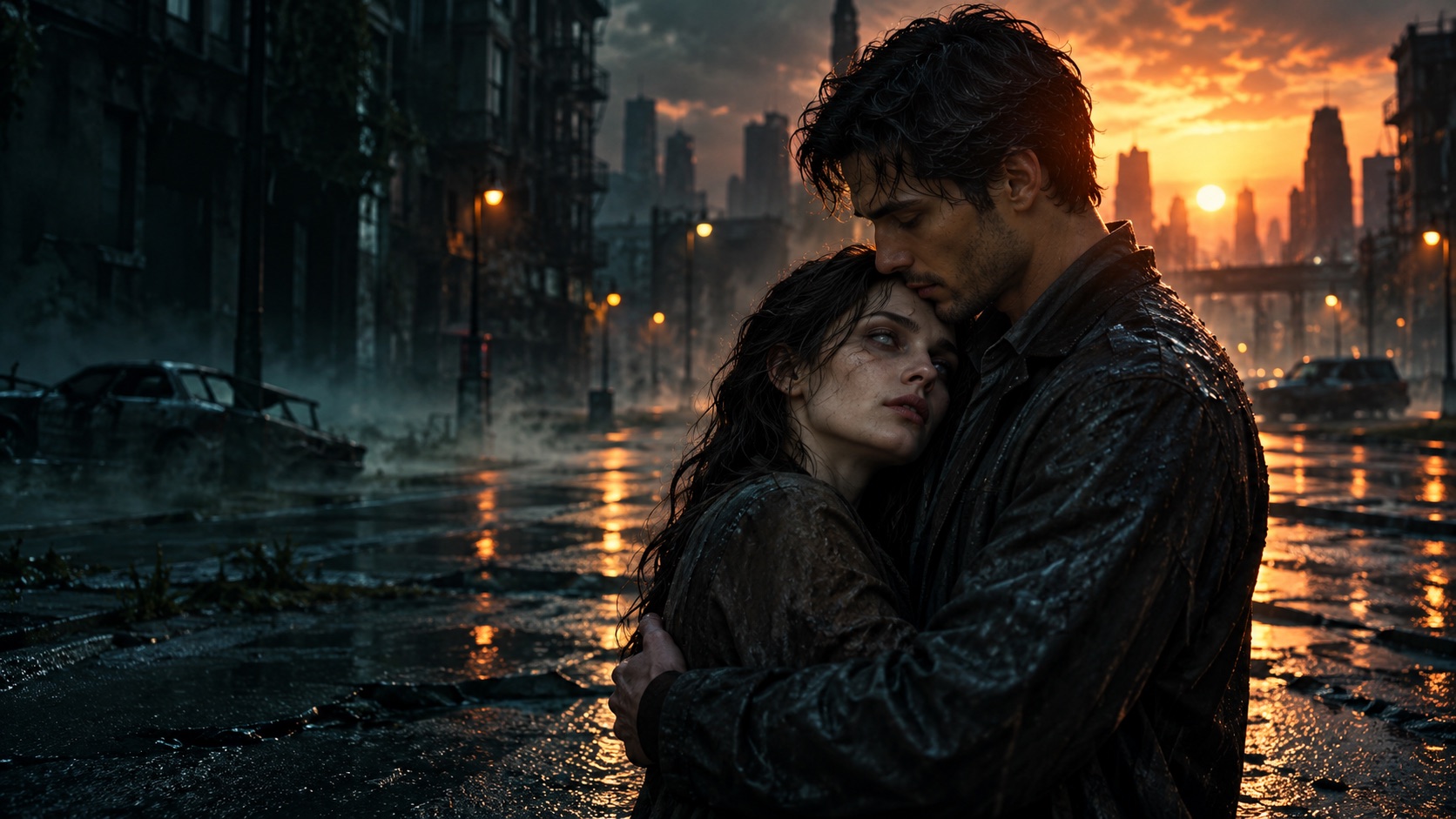
The story begins in a quiet world that has changed. Someone you love appears in front of you. Recognition replaces fear, and the scene turns toward a warm memory. The images on this site show the intended mood; the final AI video may interpret details differently.
MAKE IT IN
THREE MOVES.
CHOOSE A PHOTO
Upload one clear image of your partner, friend, family member, or pet. A face that is visible and well lit gives the model a better reference. See the photo guide for examples and file requirements.
DIRECT THE SCENE
Pick a rain-soaked city, a snowed-in cabin, or an overgrown market. Choose a 5, 8, or 12 second clip. Add a short personal detail if there is something specific you want the model to try.
CREATE AND WATCH
When video creation is available, start generation and keep the page open while it processes. You can watch the result when it is ready. If creation is paused, copy your story prompt to use in another video tool.
SHORT ENOUGH
TO FEEL EVERYTHING.
5 seconds captures a single gesture. 8 seconds gives the encounter more room. 12 seconds lets the moment linger.
These are generated clips rather than edited multi-shot films. You can use the copied story prompt to keep developing the idea in another video tool if you want more control.
START IN THE STUDIO →